What Factory Buyers Should Check Before Buying a Desktop Fiber Laser Marking Machine
News detail
What Factory Buyers Should Check Before Buying a Desktop Fiber Laser Marking Machine
Many buyers send the same first message: “Please quote your laser marking machine.”
That sounds simple, but it is not enough to choose the right machine.
A desktop Fiber Laser Marking machine may be used for medical tools, metal plates, stainless steel tubes, aluminum profiles, hardware parts, auto components, electrical nameplates or custom gifts. The machine may look the same from the outside, but the real configuration should match the part material, marking area, production method and required result.
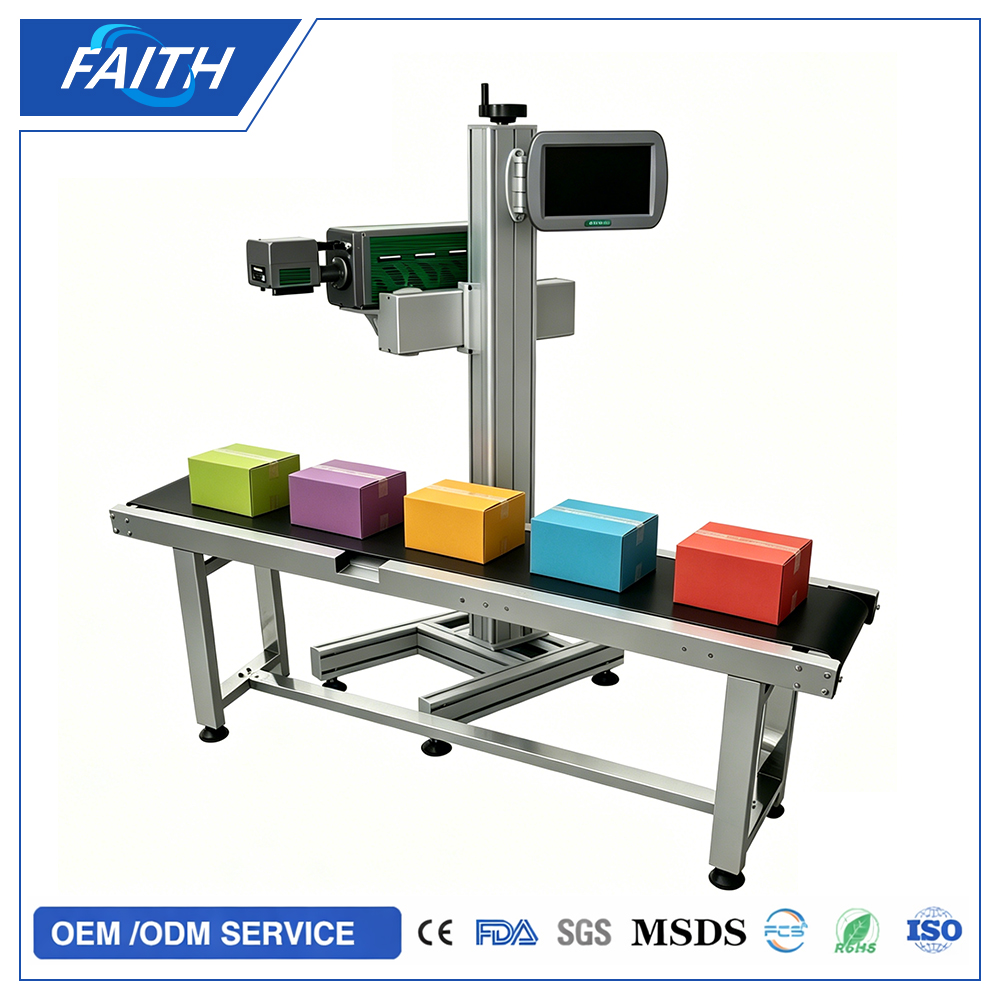
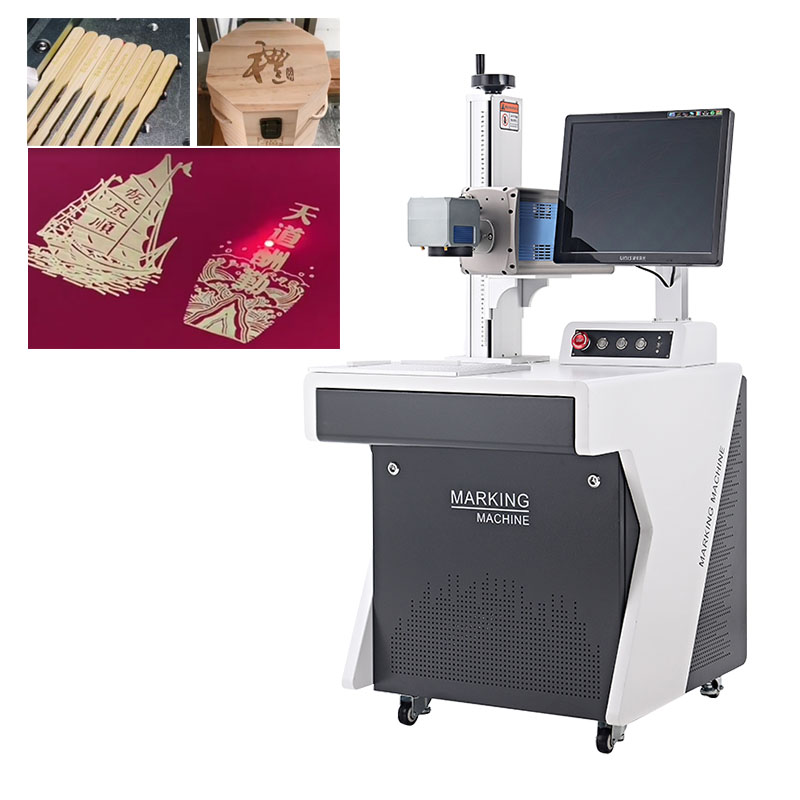
The images show a compact desktop fiber laser marking system with a stable base, vertical height adjustment column and laser head above the marking table. It is the type of machine many workshops choose when they need permanent metal marking but do not want a large automatic line. It can sit on a workbench, near a packing table or inside a small marking room.
Before buying, the first thing to confirm is the product material.
Fiber laser is mainly used for metal and some hard plastics. Stainless steel, carbon steel, aluminum, brass, copper, titanium alloy and coated metals are common. If the buyer works with surgical scissors, forceps and implant plates, the supplier will focus on fine codes, smooth surface and traceability. If the buyer marks steel tubes and aluminum profiles, the supplier will care more about positioning, contrast and batch production. If the buyer marks auto parts, the requirement may include deeper engraving or anti-tamper serial numbers.
The second thing is the marking content.
Some factories only need a logo and date. Others need QR code, barcode, serial number, batch number, material grade and size information. Medical device factories may need very small characters on narrow stainless-steel handles. Metal profile factories may need larger text that workers can read quickly in the warehouse. A nameplate producer may change artwork many times each day. These are different jobs.
A buyer should send the supplier actual marking content, not just say “logo marking.” If the QR code must be scanned, the code size and scanner distance should be discussed. If the text is very small, the lens and focus accuracy matter. If every part needs a different serial number, the software must support variable data. If the factory uses Excel files or database numbers, that should be mentioned before ordering.
The third thing is part size and shape.
Flat plates are easy to place on the marking table. Scissors and forceps may need a small fixture so the marking area stays level. Tubes need support blocks. Round parts may need a rotary attachment if the mark goes around the surface. Heavy parts may not be convenient for a small desktop table unless the machine has enough space and the operator can load them safely.
Many buyers forget to mention weight.
A small aluminum plate and a thick steel flange are not handled the same way. If a worker needs to lift a 15 kg part onto the table hundreds of times a day, the machine position and fixture design become important. If the part is too long, such as a 1,200 mm aluminum profile, the machine may still mark it, but the workshop needs side support outside the table. The supplier should know the part length, width, height and weight before confirming the solution.
Old marking methods also tell a lot about the buyer’s real pain.
A factory using stickers may have problems with oil, dust or heat. A factory using inkjet printing may complain that the mark fades after cleaning. A factory using pneumatic dot peen marking may want less noise and a cleaner surface. A factory outsourcing laser marking may be losing time on small custom orders. These details help the supplier understand why the customer wants to change.
Price is important, but the wrong machine costs more later.
Some buyers choose the lowest power because the quote looks attractive. Later they find the marking speed is too slow for deep engraving, or the contrast on their material is not good enough. Some choose a large lens for a bigger marking area, but then they want tiny QR codes with very fine details. A larger marking area can reduce marking precision. The supplier should balance lens size, power and application.
For many metal marking jobs, 20W, 30W or 50W fiber laser machines are common choices. A 20W system can handle many normal surface marking tasks on stainless steel, aluminum and coated metal. A 30W machine gives more flexibility for speed and contrast. A 50W machine is often considered when the customer needs deeper engraving or higher efficiency. The final choice should come from sample testing, not guesswork.
The working environment should also be checked.
Laser marking creates smoke or fine dust depending on the material and coating. Medical or electronics workshops may need a cleaner setup with fume extraction. Metal workshops should keep the lens and machine area clean because oil mist and dust can affect long-term performance. The operator should wear proper safety protection and avoid looking directly at the laser area. If the buyer’s factory has strict safety rules, the supplier can also discuss enclosure options.
Software is another practical point.
A good marking system should allow the operator to create text, import logos, generate QR codes, edit serial numbers and save templates. The interface does not need to be complicated, but it must be stable for daily production. In a real factory, operators may not have time to redraw files every day. They need saved templates for different products, such as “scissors batch code,” “304 tube marking,” “aluminum profile label,” or “implant plate serial number.”
Distributors should pay special attention to training materials. They may sell the same desktop fiber laser marking machine to medical tool suppliers, hardware factories, pipe workshops and machinery parts companies. Each customer will ask different questions. Having sample photos, videos and tested parameters helps them respond faster. A distributor who can explain applications clearly will win more trust than one who only forwards a price list.
Another detail is after-sales support.
Overseas factories care about spare parts, remote training and response time. They want to know how to adjust focus, replace protective lens, import marking files and solve communication problems. If the machine stops during production, the buyer needs practical guidance, not only a PDF manual. For B2B buyers, a supplier with export experience and real application testing is usually safer than a supplier who only talks about machine power.
The desktop fiber laser marking machine in the images fits many common factory scenarios: medical device marking, stainless-steel tube coding, aluminum profile identification, metal plate labeling and small batch custom marking. It is not the right machine for every job, but it is a strong choice when the factory needs permanent, clean and flexible marking on metal parts.
Before placing an order, buyers should prepare a simple checklist: material, part size, part weight, marking content, required marking area, daily quantity, current marking method and target result. With this information, the supplier can recommend the proper laser power, lens, fixture and optional accessories.
A laser marking machine is not just a machine on a table. In a factory, it becomes part of the traceability process. When the mark is clear, permanent and easy to scan, the whole workflow becomes more reliable—from production to inspection, packing, shipping and after-sales tracking.


Please leave the message you want to inquiry. We will reply you as soon as possible within 24 hours.